Guides · Retention
Failed payments: how to recover the revenue a small SaaS loses without noticing
Some of your churn isn't customers leaving: it's cards that fail. How to see it, what your payment provider already does, the three emails that recover most of it, and when to send each.
Not every customer you lose decided to leave. Cards expire, banks decline renewals, limits get hit. The customer still wants your product; the payment just didn't go through, and nobody told them in a way they noticed. This is involuntary churn, and for a small SaaS it's the easiest revenue to win back, because the customer is already convinced.
This guide is how to see it, what your payment provider already does for you, and what to add on top.
See it first
Most founders don't know how much they lose this way, because a failed payment looks like nothing in the dashboard: no cancellation, no complaint, just a customer who quietly becomes "past due" and then "canceled".
Count, for the last 90 days:
| Customers | MRR | |
|---|---|---|
| Payments that failed | 9 | 412 € |
| Paid again within 7 days | 5 | 231 € |
| Still unpaid or canceled | 4 | 181 € |
An example, not real data. The last row is the number to bring down. Compare it with the customers who cancelled on purpose: if it's anywhere near, failed payments are your first churn problem, and the cheapest to fix.
What Stripe and Paddle already do
Both retry a failed payment automatically over the following days and can email the customer about it. Check that it's on before you build anything:
- Stripe: the retry schedule and the emails about failed payments are in your Billing settings.
- Paddle: as the merchant of record, it retries and contacts the customer on its own.
Those emails work, but they come from a payment company, look like every other billing email and are easy to ignore. What recovers the rest is a note from you.
The three emails that recover most of it
Plain text, from your name, replies to your inbox. Each one short, with the link that fixes it.
1. Right after the first failure, a heads-up. No alarm, no blame:
Hi Emma, your last payment for Demo SaaS didn't go through. It happens when a card expires or the bank is being careful. You can update it here in a minute: [link]. Everything keeps working in the meantime.
2. A few days later, if they haven't paid, what's at stake. Name what they'd lose, in their terms: their projects, their reports, their team's access.
3. Before access ends, the last call. A date, the link, and an offer to help if something's wrong: some failed payments are a customer who meant to cancel and didn't know how, and it's better to hear it.
Stop the sequence the moment they pay. Nothing loses goodwill faster than a reminder after the problem is solved.
Make the fix one click
The email is only as good as what happens when they click:
- Link straight to the place to update the card, signed in if you can. Not to your home page, not to a login form.
- Say what happens next: "the payment retries as soon as you've updated it".
- Keep the product working for a few days. Locking someone out on the first failure turns a card problem into a cancellation.
Before it fails
Some failures you can see coming:
- Cards about to expire. A note the month before saves a failure later.
- Annual renewals. A larger charge is more likely to be declined; a reminder a week before helps the bank, and the customer, expect it.
- Customers who've gone quiet. Someone who stopped using the product is more likely to let a failed payment become a cancellation. That's a different playbook.
Doing it with UserJourney
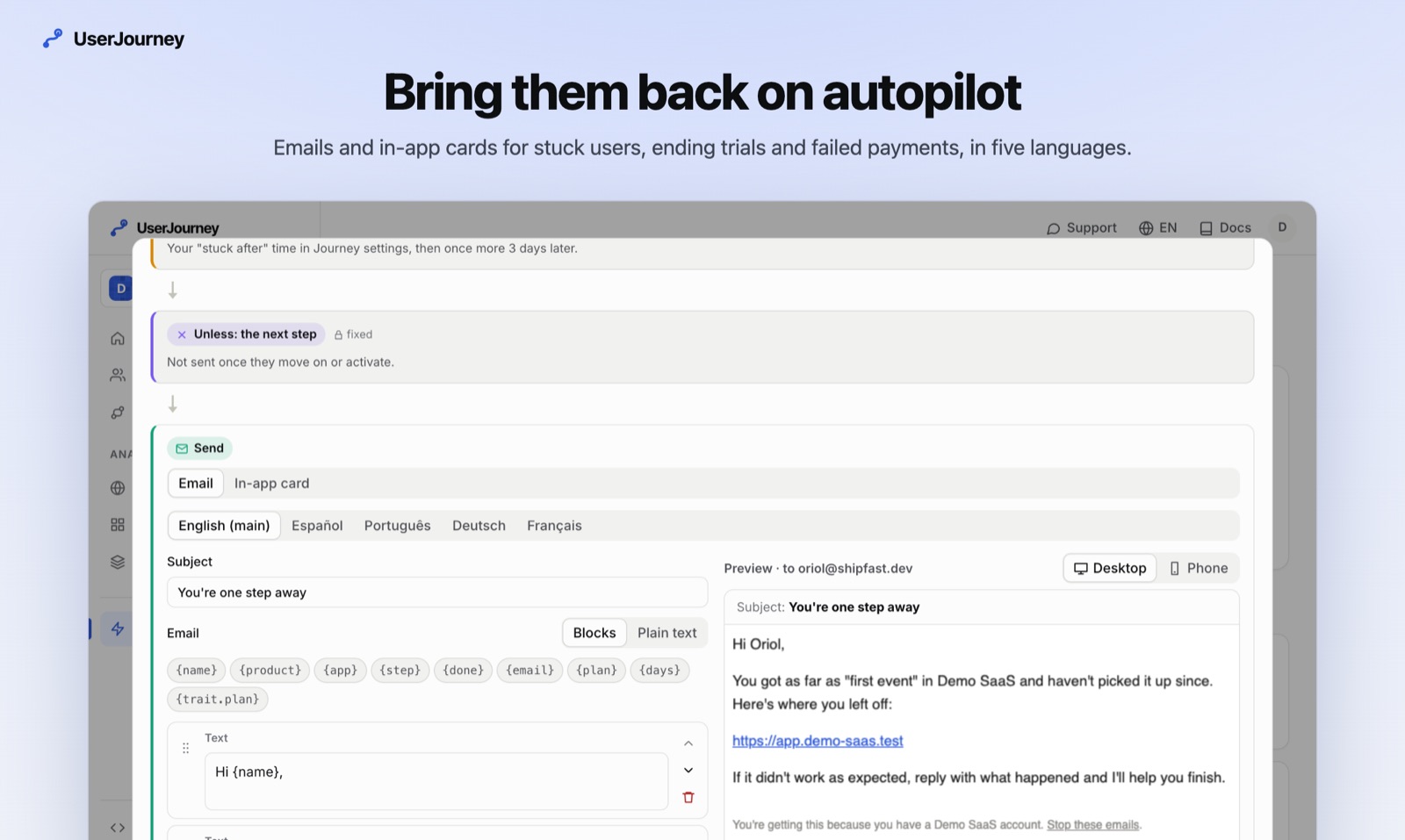
Connect Stripe or Paddle and every failed payment lands on the person who made it, with their stage and their recent visits. With Stripe, the payment failed playbook sends the first note for you, from your name and in their language, while the payment is still failing, and never once they've paid. With Paddle it starts off, since Paddle already writes to its customers. Today lists the paying customers at risk, biggest MRR first, and says when it's a failing payment, so the second and third notes come from you, and an alert can tell you on Slack, Discord or by email the moment a payment fails.
Start for free or read how payments are matched to each person.
More guides
How to spot customers who are about to cancel, before they do
Customers rarely cancel out of the blue: they stop coming first. The signals that come before a cancellation, how to set a line for "at risk" that fits your product, and what to say to them.
3 min readActivationWhy your SaaS trials don't convert, and how to find the step where they stop
A trial that doesn't convert usually ended long before its last day. How to split your trials by what people did, find the step that separates the ones who pay, and what to change first.
3 min read